 FluxTime
Categories
Create the categories you file journal entries under, nest them, and give each one a color, an icon and an energy level.
Categories describe where your time goes: Work, Health, Family, Learning, or whatever fits your life. Every journal entry is filed under one, and Review adds up your hours by category. Goals use them too: entries in a goal's time category count toward that goal.
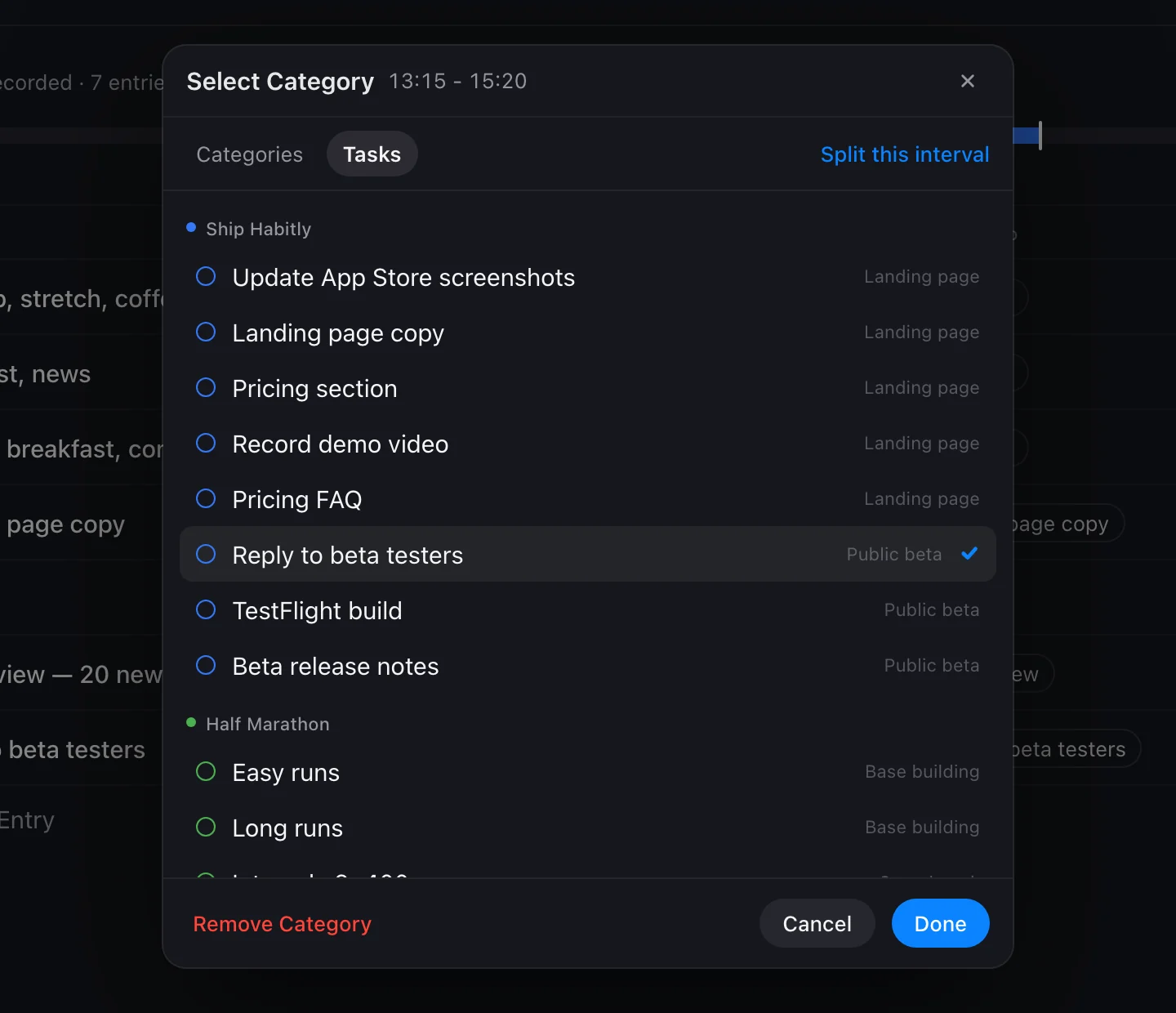
Open category management
- In Journal, tap an entry's category to open the category picker.
- Next to All categories, tap Manage Categories.
From there you can add, edit, move and delete categories.
Add a category
Tap Add Category and fill in:
| Field | What it does |
|---|---|
| Category Name | Shown on entries, in Review and in your goals. |
| Parent Category | Leave it as Root for a top-level category, or choose a parent to make a subcategory. |
| Icon and Color | How the category looks on the timeline, in the journal and in Review charts. |
| Energy Level | High Energy, Neutral or Low Energy. Used by the Energy Curve in Review. |
Top-level categories and subcategories
Top-level (root) categories are the big buckets. Review's Time distribution splits your time by them, and Weekly Balance sets a target range for each one. Subcategories add detail inside a bucket, like Running and Gym under Health. Open a category in Review to see its subcategories.
Start with four to six top-level categories. Too many make the totals hard to read.
Energy levels
Each category's energy level says what kind of time it usually is. You set it once, instead of rating how you feel every time you log. With Flux Pro, the Energy Curve in Review averages these levels over the time you logged to show when your energy usually runs high, and suggests a 90-minute window for deep work.
Delete or merge a category
When you delete a category, FluxTime shows how many journal entries use it and lets you move them to another category, or leave them uncategorized. Its subcategories are kept and moved to the top level.
If you have two categories with the same name, the Duplicate Categories list helps you review them before you rename or delete one.
Categories and goals
A goal's Time Category decides which entries count toward it when they are not linked to a todo. See Goals and Concepts.
Learn more
- Time tracking: how categories turn into answers in Review.
- How to track your energy levels throughout the day: why each category carries an energy level.
Last updated