
Start with reality
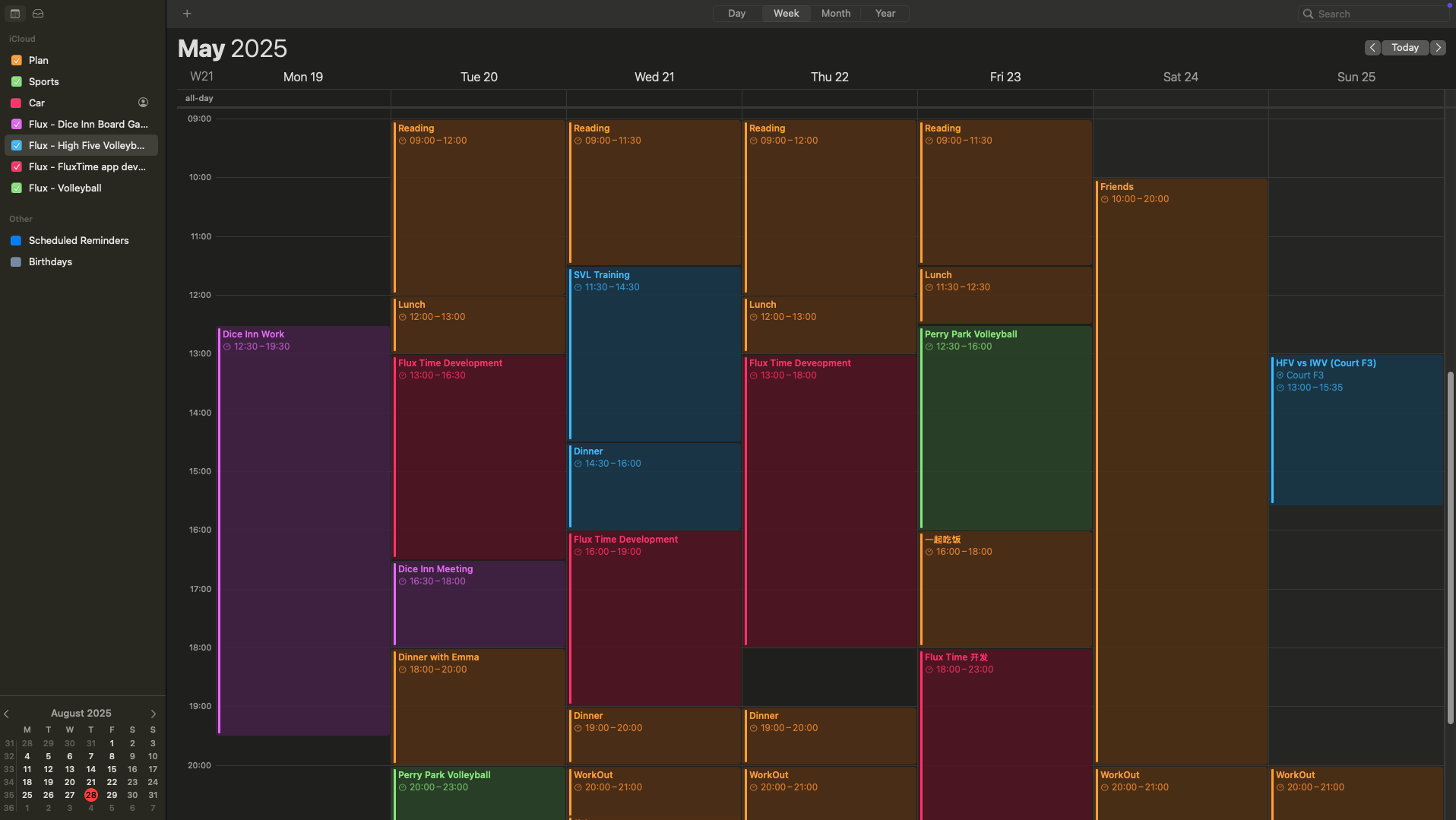
See meetings, appointments, reminders and open tasks before filling the remaining space.
A visual time block planner
Move beyond the endless task list. FluxTime puts tasks and calendar commitments on one timeline, so your plan fits the hours you really have.
Apple-native · Personal planning · Free to download
Time blocking without the friction
See meetings, appointments, reminders and open tasks before filling the remaining space.
Give meaningful work a clear position in the day instead of hoping it rises to the top.
When the day moves, update your next action and record what actually took the time.
One visual timeline
A time block planner makes the invisible limit visible: there are only so many hours. FluxTime shows fixed events and flexible work together, helping you build a plan with room to breathe.

Planning meets reflection
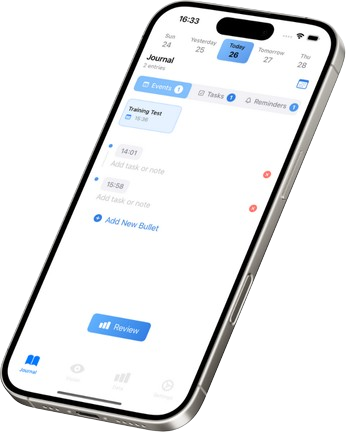
Traditional time trackers ask you to remember every start and stop. FluxTime uses quick timestamped journal entries to capture transitions, so your record keeps the meaning of the work—not only a duration.
Questions, answered
Time blocking is a planning method where you assign work or activities to specific periods of the day instead of working from an undated task list. It exposes conflicts and protects time for important work.
FluxTime supports time-blocked daily planning by bringing tasks and Apple Calendar events into a visual timeline, then connecting the plan to journaling and time insights.
Yes. FluxTime is available on iPhone, iPad, Mac and Apple Watch, so your plan can stay close throughout the day.
Make time visible
Build a realistic, visual day with FluxTime on the Apple devices you already use.