
See the whole day
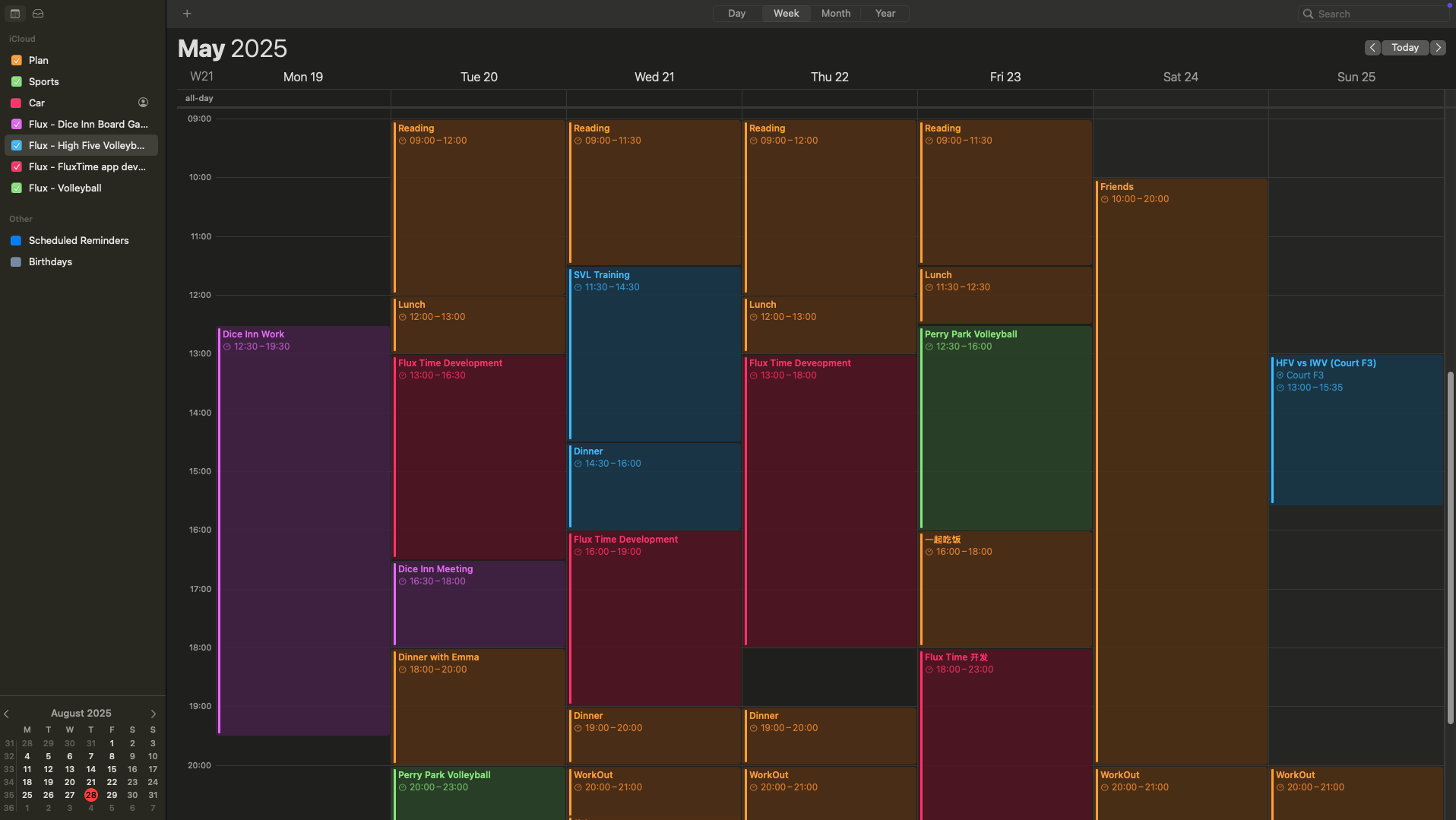
Bring fixed events and flexible tasks together before deciding what deserves your time.
Daily planning, grounded in reality
FluxTime brings tasks, events, energy and goals into one daily planning app—so today feels clear before it gets busy.
Free to download · iPhone · iPad · Mac · Apple Watch

A calmer daily rhythm
Bring fixed events and flexible tasks together before deciding what deserves your time.
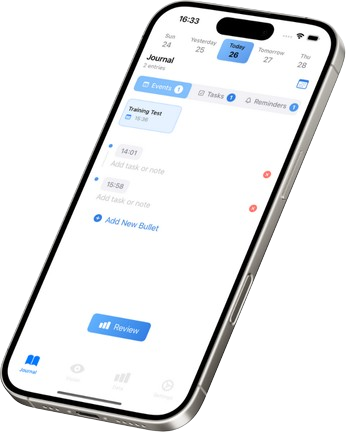
Use Today View and quick journal entries to keep context as the day changes.
See how your time and energy translated into progress toward the goals that matter.
Today, in one view
A good day plan starts with what cannot move, then makes room for what can. FluxTime combines calendar events, reminders and tasks in a timeline designed for real days—not perfect ones.
Close the loop
Plans become more useful when they connect to reality. Interstitial journaling lets you capture quick timestamped notes between tasks, preserving the context behind your day without a long evening ritual.
Questions, answered
A daily planning app helps you decide what to do today and fit tasks around calendar events, available time and priorities. FluxTime also connects the plan to time, energy and longer-term goals.
Yes. FluxTime brings Apple Calendar events into your planning workflow so fixed commitments and flexible tasks can be viewed together.
FluxTime is available across iPhone, iPad, Mac and Apple Watch, with widgets that keep your plan and progress close at hand.
Start with today
Download FluxTime and bring your tasks, calendar, time and goals into one daily rhythm.